2.8.17 Release notes
This release includes an exposed log text interface for qualitative text sections and a new Jupyter notebook for validating an application scorecard model.
Highlights
Expose log text interface for qualitative text sections
You can now log free-form text content in the ValidMind Library to enhance your model documentation. This update introduces the log_text function, allowing you to easily integrate text data into your documentation.
Example usage:
file = open("model_limitations.md", "r")
model_limitations = file.read()
file.close()

vm.log_text(
    content_id="model_limitations",
    text=model_limitations
)
This function logs the data, making it accessible on the platform UI for various document types.
Another example:
readme = open("../README.md", "r").read()
vm.log_text(content_id="my_readme", text=readme)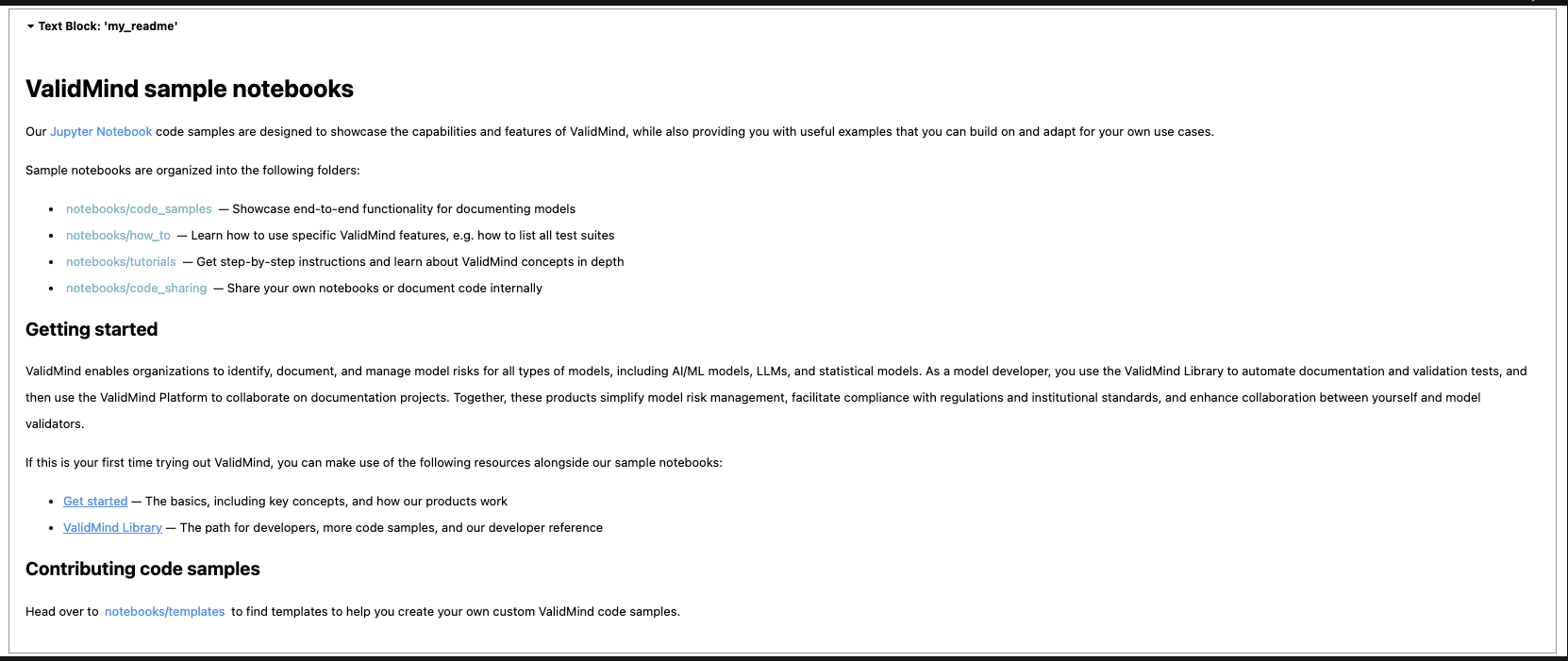
Documentation
New Jupyter notebook for validating an application scorecard model
Discover how to independently assess an application scorecard model with our new Jupyter notebook, Validate an application scorecard model. You can use ValidMind to evaluate a model's development through comprehensive testing and analysis, including benchmarking with challenger models.
This interactive notebook offers a step-by-step guide for:
- Verifying the data quality steps performed by the model development team.
- Independently replicating the champion model's results and conducting additional tests to assess performance, stability, and robustness.
- Setting up test inputs and challenger models for comparative analysis.
- Running validation tests, analyzing results, and logging findings to ValidMind.