Model inventory: Date entry and use case management

frontend
26.01
highlight
Published

December 19, 2025

Manual entry for date and time fields

We have introduced a new date picker. You can now quickly navigate years and months using dropdown menus or input a custom date directly for faster entry.
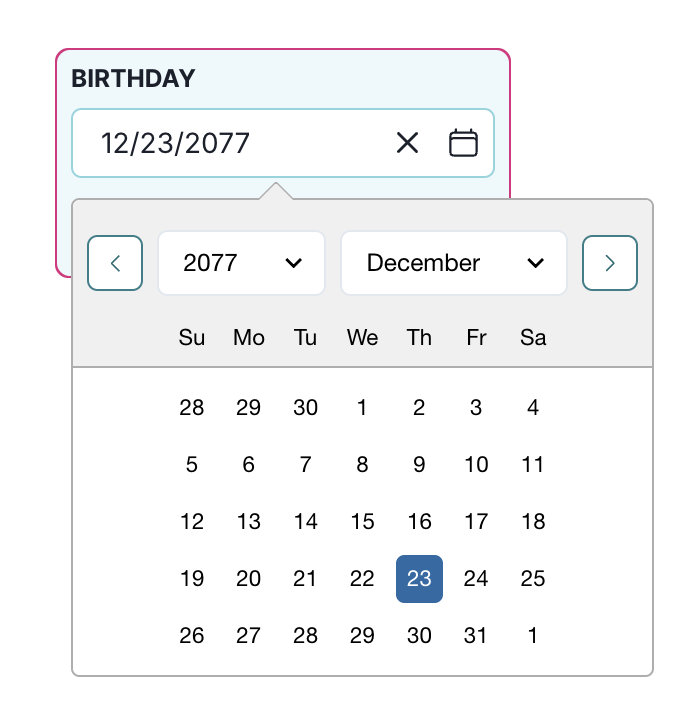
A date selection interface displays a text field labeled Birthday with the date 12/23/2077 entered. To the right of the text field, there is a clear button represented by an X and a calendar icon button. Below, a dropdown calendar is open, showing two dropdown menus for selecting the year and month, currently set to 2077 and December respectively. The calendar grid displays days of the week starting with Sunday and highlights the 23rd of December with a blue background. The surrounding calendar interface is outlined in a light gray color.

Date picker with calendar dropdown

Edit and group use cases

We improved the existing use case category settings and added grouping support. You now can:

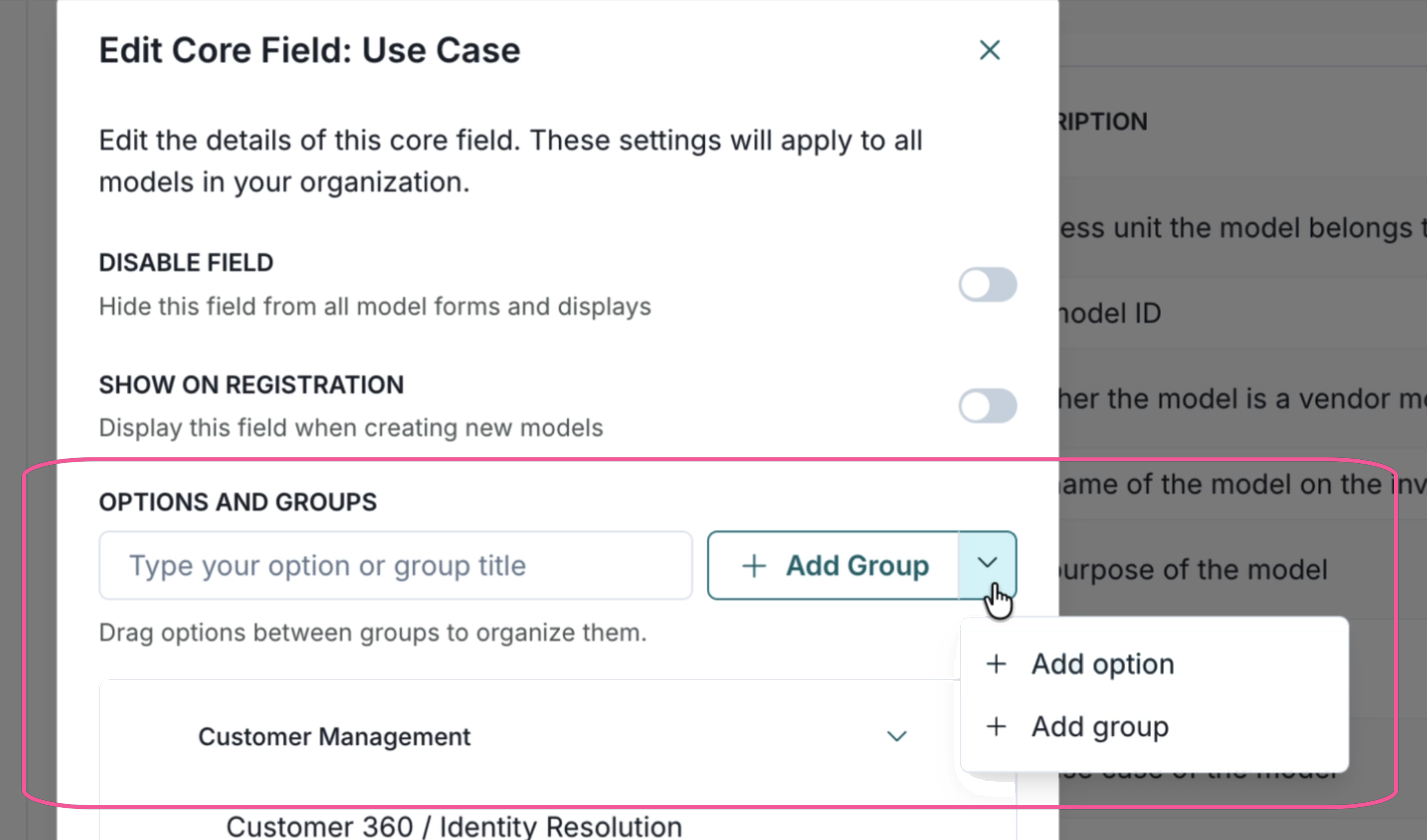
  • Create a new group in the use case core field listed on the Model Inventory Fields page
  • Create a new option and move it between groups
  • Retain the ordering when listing use cases in the single select form in the Model Overview page
Manage use cases

A user interface displaying the Add Group option when editing use cases.

Add group